
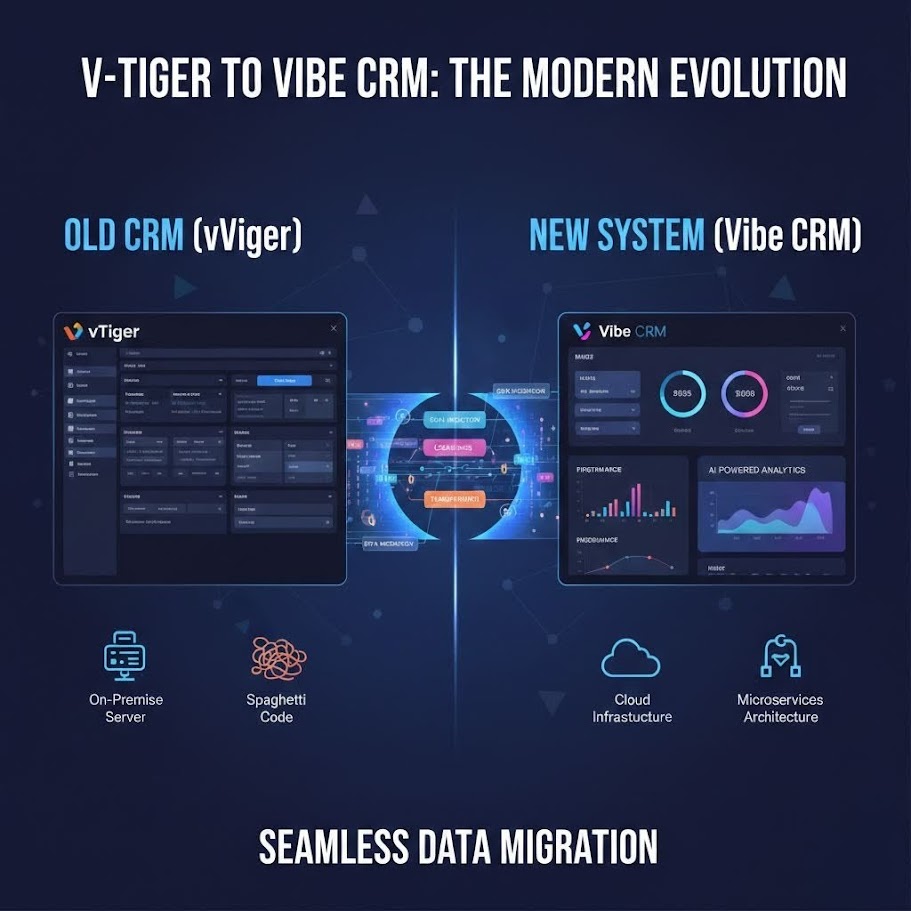
From vTiger to Custom: When It’s Time to Migrate Your CRM

We spent several years building on vTiger CRM for one of our longest-standing clients. The system we built was genuinely impressive — a blood testing management platform for Blue Horizon and Smartblood, integrating a Laravel customer portal, Shopify order processing, and a suite of custom modules that managed everything from sample tracking to clinical result distribution.
vTiger was a reasonable starting point. It gave us a structured data model, a working UI, and a module system we could extend. For the first couple of years it served the business well.
Then it didn’t.
By the time we started discussing migration, the team was spending more time working around the platform than building on it. That’s the moment you need to recognise, and recognising it early saves you a lot of money.
What Good Looks Like, and What Changes
When a CRM is working well, it’s nearly invisible. Staff log in, do their work, log out. New features get added without drama. Integrations are stable. The system bends to the business as the business evolves.
The warning signs appear gradually enough that you can normalise them. You find yourself planning features around what the platform allows rather than what the business needs. Integrations that started simple have accumulated layers of workarounds. Upgrade windows are dreaded events requiring extensive regression testing. New team members find the system confusing — not because it’s complex, but because it’s been customised to the point where the underlying conventions no longer apply.
Here are the specific signals we saw with the Blue Horizon platform, and the ones we look for with other clients.
The Four Signals It’s Time to Move
Hitting platform limits. vTiger has a maximum custom field count per module. It’s a number that sounds generous until your data model has matured and you’re modelling something genuinely complex. We hit it. The workaround — creating additional modules to store overflow data and joining them manually — works, but it’s a structural compromise that permeates every query and every screen. When your data architecture is constrained by the platform’s field limits, you’re modelling your business around your tools rather than the other way around.
Workflow inflexibility. The built-in workflow engine covers standard CRM scenarios well. It does not cover the kind of conditional, state-machine logic that a regulated blood testing business requires — sample validity windows, result escalation pathways, clinic notification chains with fallback rules. We ended up writing custom PHP hooks that fired on workflow events, which worked, but which lived outside the vTiger development conventions, making them fragile and difficult to test.
Maintenance burden compounding. Every vTiger upgrade was a multi-day exercise. The upgrade would ship with changes to the core codebase that conflicted with our customisations. We maintained a growing diff against core that had to be reconciled with each release. Eventually the calculus flipped: the security benefit of upgrading was roughly offset by the risk of the upgrade breaking things. That’s not a position you want to be in.
Integration fragility. The Shopify integration and the Laravel portal both communicated with vTiger via REST API. The API worked, but it was designed for generic CRM operations, not the specific data patterns of this application. Getting a blood test order from Shopify into vTiger and linked correctly to a customer account, a clinic booking, and a sample batch required a sequence of API calls that had to be carefully ordered and error-handled. Any change to the data model required updating the API logic in multiple places. This is complexity that accumulates silently until something breaks in production on a Friday afternoon.
The Decision Framework
The question to ask is not “how much does a rebuild cost?” It’s “what is the total cost of continuing?”
Continuing costs money in ways that don’t appear on an invoice. Developer time spent on each upgrade cycle. Feature development that takes twice as long because of platform constraints. Integration incidents caused by fragile coupling. The harder-to-quantify cost of business capabilities you don’t build because the platform makes them impractical.
A back-of-envelope TCO comparison over three years typically looks like this:
- Continuing: ongoing developer time for maintenance and workarounds + constrained feature velocity + incident costs
- Rebuilding: one-time build cost + lower ongoing maintenance (no framework fighting) + unconstrained feature velocity
For the Blue Horizon platform, when we ran this comparison honestly, rebuild won. The ongoing maintenance burden was measurable and growing. Feature velocity had slowed because developers were spending an increasing proportion of their time navigating constraints rather than building.
The trigger point is when customisation cost exceeds rebuild cost on a rolling 18-month basis. At that point, you’re spending more servicing the technical debt than it would cost to eliminate it.
Why Laravel
When we decided to rebuild, the choice of platform was Laravel, and it wasn’t a close call.
Eloquent ORM gives you a data model expressed in code you control, with relationships, scopes, and mutators that reflect your actual domain rather than a generic CRM schema. There’s no field limit. You model the business as it is. The ability to write expressive, readable queries against a schema you designed — rather than working around someone else’s design decisions — changes the character of development work entirely.
Built-in authentication. Laravel’s auth system, or Fortify and Jetstream for more complex scenarios, handles the security-sensitive parts without requiring you to build them from scratch. CRM applications need granular role and permission systems; Laravel’s Gate and Policy approach makes this clean and auditable.
API-first by design. Building the Shopify integration, the customer portal, and any future integrations as first-class API consumers against a Laravel backend is significantly cleaner than bolting REST endpoints onto a CRM platform. The integration becomes a deliberate architectural decision rather than an afterthought.
Livewire for reactive UI. A custom CRM needs interfaces that respond in real time — filtering a list of patients, updating a status, triggering an action — without the overhead of building and maintaining a full single-page application. Livewire lets you write reactive components in PHP, server-side, with minimal JavaScript. For the blood testing platform, we used this for the sample tracking screens where staff need to filter, sort, and update records quickly. It’s faster to build, easier to maintain, and works well for the data-heavy interfaces CRMs require.
Queue system for bulk operations. Any serious data platform needs to handle operations that can’t complete within a web request — sending result notifications to thousands of patients, running eligibility checks across a large sample set, generating complex reports. Laravel’s queue system handles this as a first-class concept: jobs are dispatched, processed asynchronously by workers, retried on failure, and monitored through the Horizon dashboard. This infrastructure is part of the framework rather than something you bolt on.
The Migration Path
A CRM migration is not a cutover. You do not switch off the old system on a Friday and switch on the new one on a Monday. If you do that, something important will be missing on Tuesday.
The path we use has five phases.
Data audit. Before writing a line of application code, you understand the data. What’s in the system? What’s used actively? What was entered five years ago and never touched again? What’s duplicated? What’s corrupt? The data audit answers these questions and produces a schema mapping — a document that defines what each field in vTiger becomes in the new schema, with transformation rules for anything that doesn’t map directly. This is less glamorous than building features but it is the phase most likely to prevent serious problems later.
Schema mapping and build. The new system is built against a schema that reflects what the data actually needs to be, not a transliteration of the old schema. This is an opportunity to fix data modelling decisions that were made under constraint. Build the core entities and relationships first, then the business logic on top. The Blue Horizon rebuild gave us the chance to model clinical relationships correctly rather than forcing them into generic CRM concepts.
Parallel running. For a period — weeks to months depending on complexity — both systems run simultaneously. New data enters both. The team uses both. This phase exists to find the gaps: the workflow that was undocumented, the edge case that the old system handled in a non-obvious way, the quarterly report that nobody mentioned during requirements gathering. Parallel running surfaces these before the old system is decommissioned and the escape hatch closes.
Phased rollover. Teams or functions migrate to the new system progressively. The clinical team migrates first while the commercial team continues on the old system. Feedback from the clinical team informs the commercial team’s transition. Problems are found and fixed before the full organisation is on the new system.
Decommission. The old system is taken offline. Data is archived. Documentation is updated. This phase is often delayed because it requires organisational confidence that the new system covers everything — which is exactly why the parallel running phase is not optional.
What to Preserve
The data is obvious. But there are less obvious things worth carrying forward.
Learned workflows. Over years of use, staff develop shortcuts, habits, and intuitions about how to work efficiently. These aren’t always documented. They surface in user interviews and in watching people actually work. The new system should preserve the workflows that work well, not just the data that drives them.
The bits that actually work. A system that’s grown organically has usually got some things right. vTiger’s activity history was something the Blue Horizon team relied on heavily — the ability to see a complete timeline of every interaction with a patient or clinic. The new system’s equivalent needed to be at least as good. Don’t rebuild something worse than what you’re replacing just because you’re rebuilding.
User habits. If your team has been right-clicking a row to get a context menu for three years, and the new system doesn’t have that, you’ll hear about it at length. These things sound trivial until you’re dealing with a team of 20 people being asked to change muscle memory alongside learning a new interface. Map the critical interaction patterns before you design the new UI.
The AI Advantage in Migration
This is where the calculus has shifted meaningfully over the past two years.
Standard CRUD features in a Laravel application — list screens, detail views, create and edit forms, filtering and sorting — are exactly the kind of work that AI-augmented development accelerates most dramatically. We’re building these at three to five times the speed we were two years ago, which directly reduces the build cost in the TCO comparison. A rebuild that would have been marginal on cost two years ago is clearly worthwhile now.
More specifically for migration work: AI generates test suites for parity checking. You describe the behaviour of the old system — “the eligibility check passes if the patient’s last test was more than 90 days ago and they’re in the active cohort” — and AI generates a test suite that can be run against both the old system’s API and the new system’s equivalent logic to verify they agree. This kind of parity testing at thoroughness would have been time-prohibitive to write manually. It’s now a normal part of our migration process and has caught several subtle behavioural differences that would have caused problems post-cutover.
If you want to see the kind of system we build, there is a working CRM demo at demo.exe-squared.co.uk/crm. It’s a live demonstration of a Laravel-based CRM with the features and patterns we use across client projects — sample views, reactive list interfaces built with Livewire, the role and permission system, and the audit trail.
Is Now the Right Time for You?
If you’re running a heavily customised off-the-shelf CRM and any of the signals above sound familiar, the honest answer is: probably yes, or it will be soon.
The mistake most businesses make is waiting until the pain is acute before starting the analysis. By that point, the maintenance burden is substantial, the team is frustrated, and the migration happens under pressure rather than on a considered timeline. Starting the conversation when the first signals appear — when upgrades are getting harder, when the first workarounds are accumulating — gives you the space to plan properly and choose your moment.
We’ve done this migration several times now. The pattern is consistent enough that we know what to look for and where things go wrong. Have a look at our CRM services for more on how we approach this, or check the case studies for examples of what we’ve built. If you’re in the early stages of thinking this through, get in touch — a conversation about the decision framework costs nothing and might save you from a rebuild that doesn’t need to happen, or from deferring one that does.